Objective
Build an online showcase to present my projects and share my experience as a developer. The portfolio highlights my technical work, while the blog allows me to document what I learn and contribute to the community.
It also serves as my personal documentation — a place where I can come back and find solutions to problems I’ve already solved.
The Portfolio
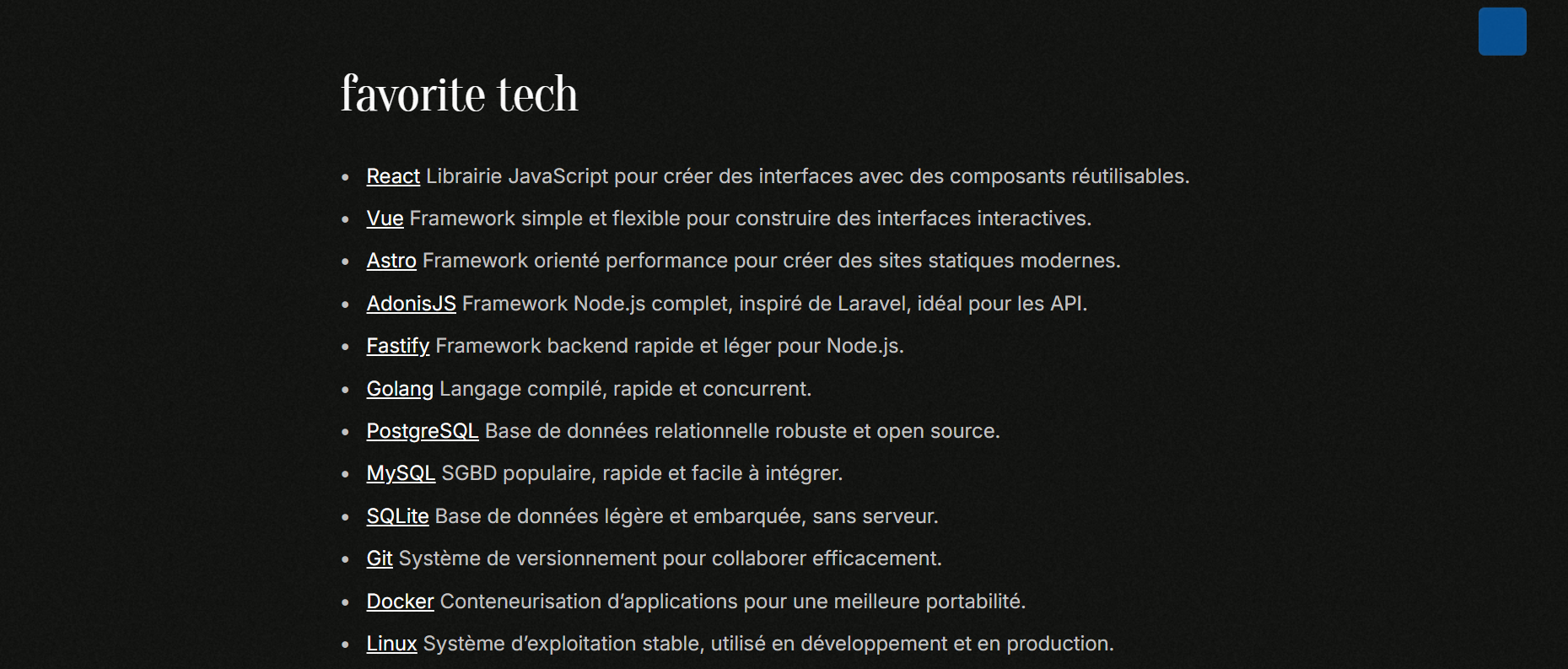
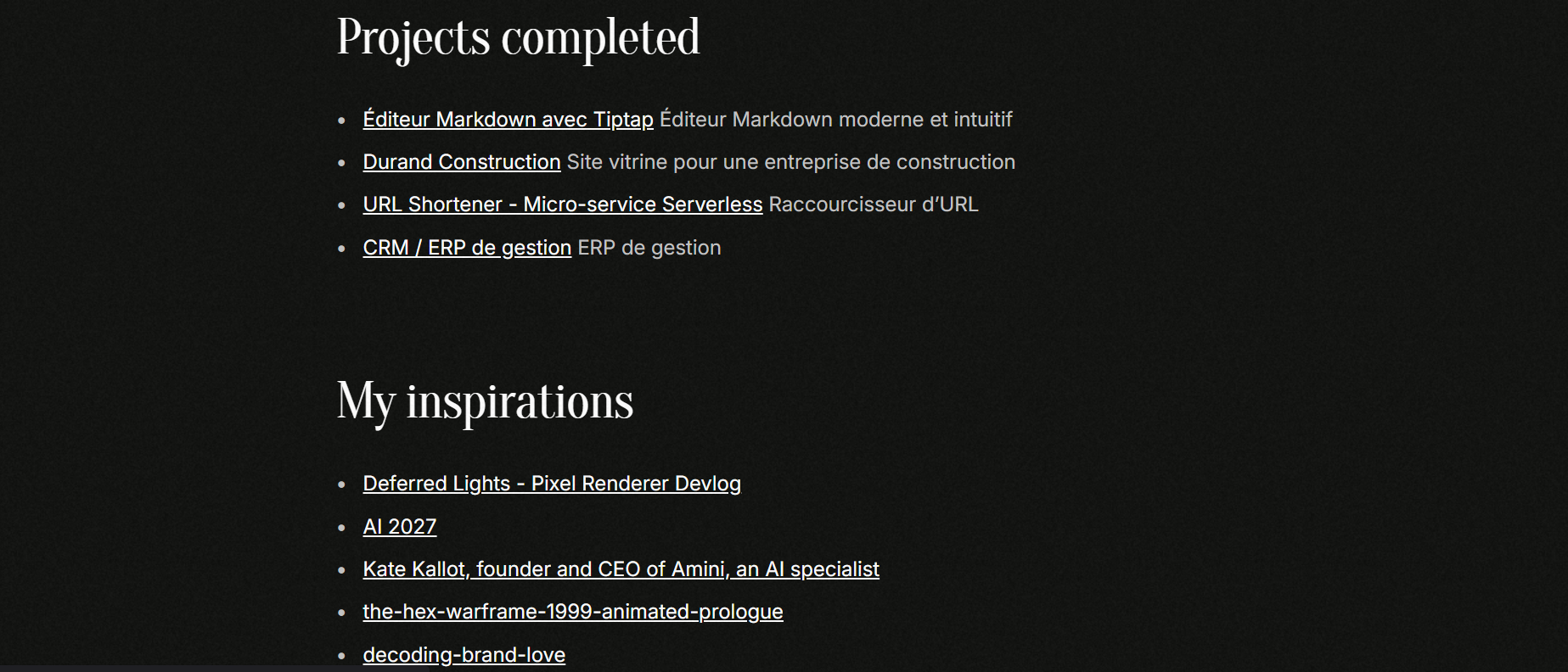
The portfolio presents my projects in a clean and direct way. Each project has its own page with a clear technical explanation.
The Blog
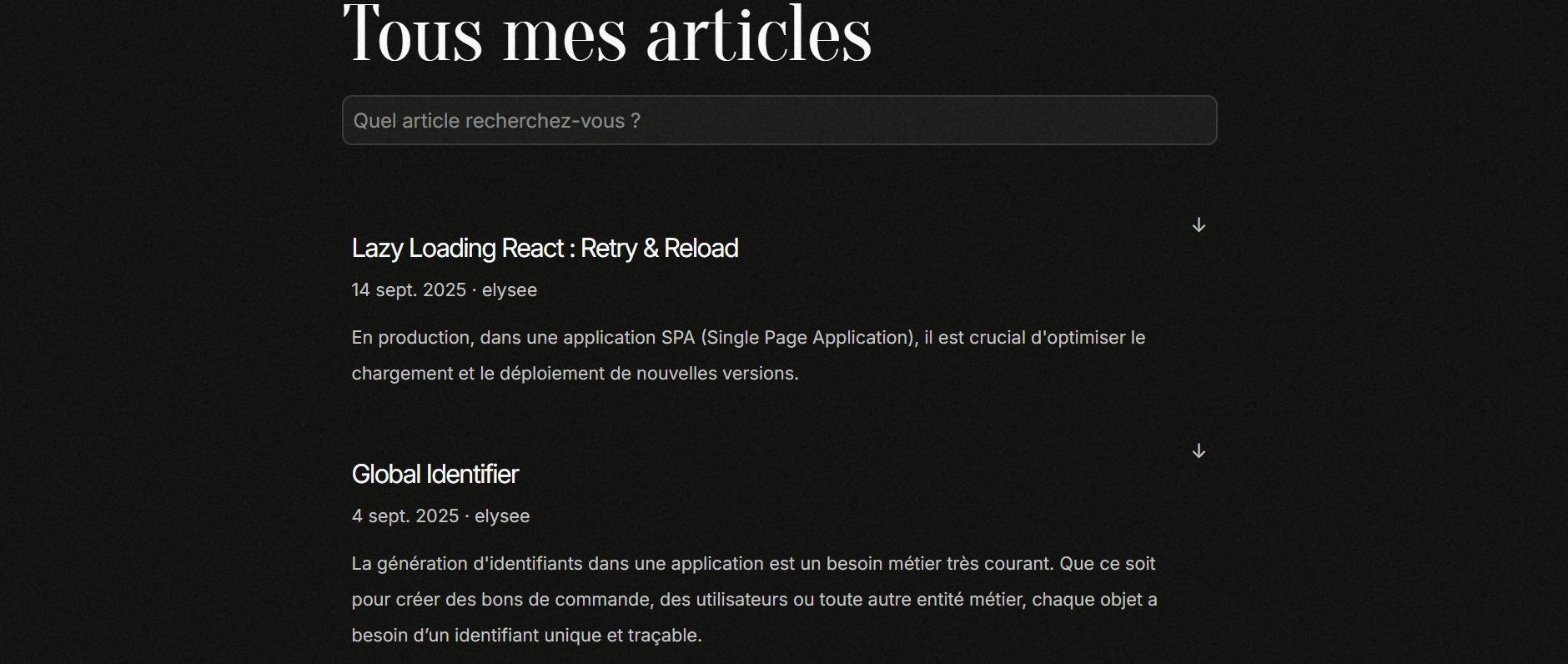
The blog is where I share my technical discoveries. I write practical tutorials, project-based insights, and simplified explanations of complex concepts.
The goal is to make challenging ideas more accessible and to provide concrete, reusable solutions for other projects. Articles support interactive React components thanks to MDX, allowing me to illustrate concepts with live demos instead of simple screenshots.

Technical Choices
I chose Astro for its performance-first philosophy. Unlike traditional JavaScript frameworks, Astro generates ultra-fast static pages and only ships JavaScript when it’s truly needed.
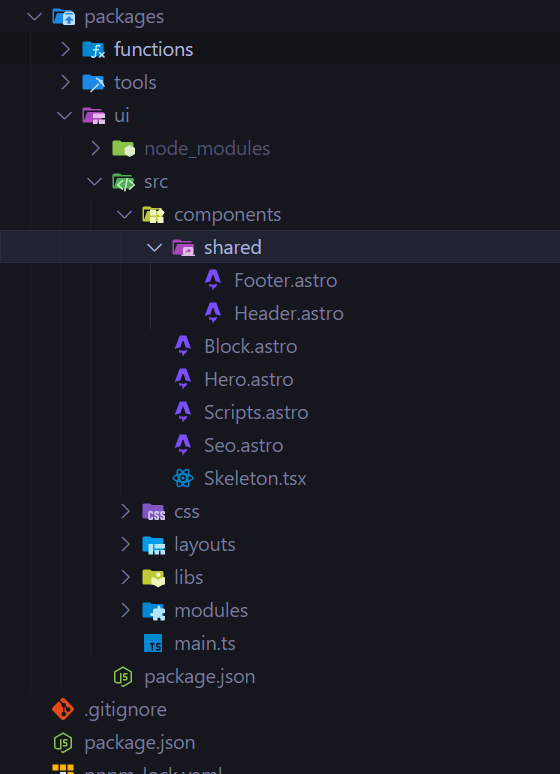
The architecture is based on a monorepo hosting both the blog and portfolio. Core components such as the Header, Footer, and layout system are centralized in a shared package and reused across both applications. This avoids code duplication and ensures consistent styling across the whole platform.
For styling, I opted for pure CSS instead of Tailwind to keep total control over the visual identity and craft a unique design. Content is written in MDX to combine the simplicity of Markdown with the power of React components.

Infrastructure & Deployment
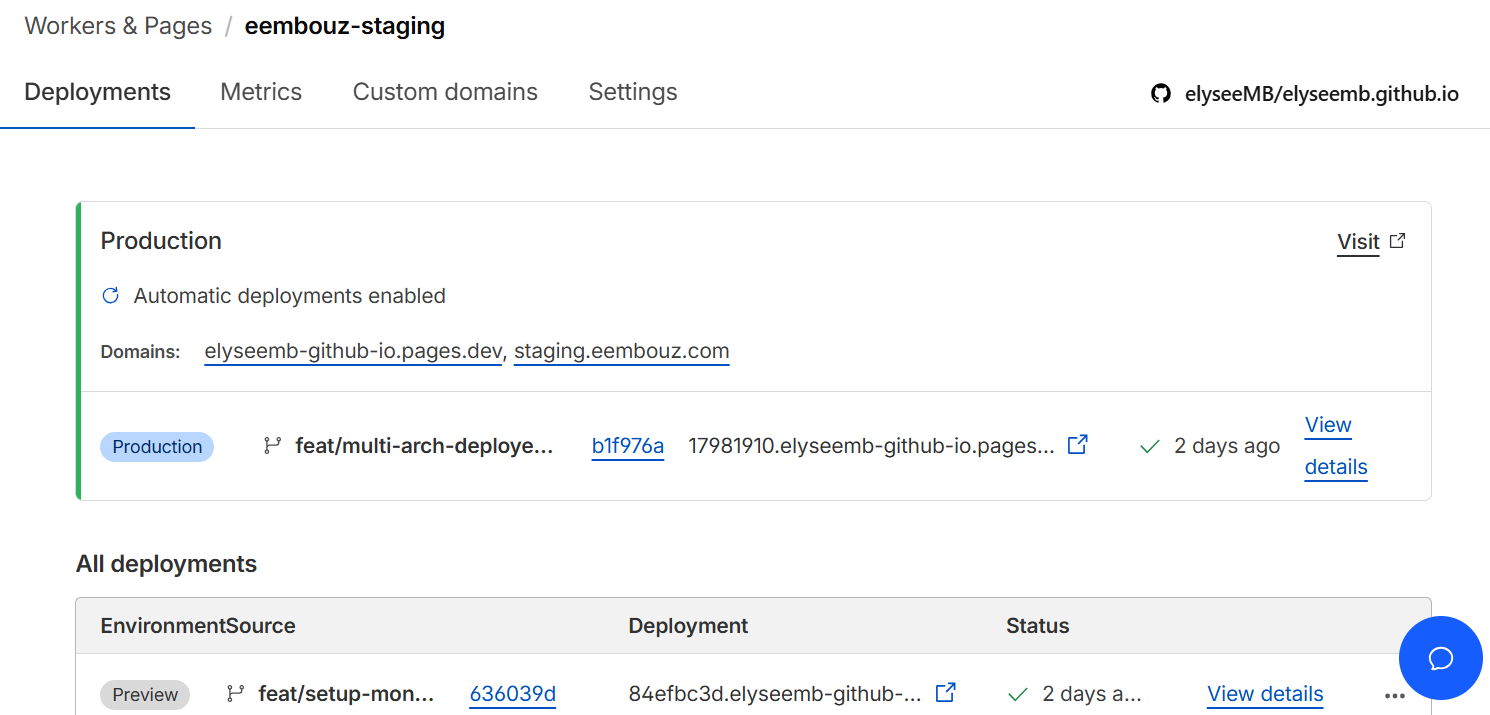
The deployment architecture ensures stability and performance while enabling rapid iteration. I implemented a multi-environment setup with three levels: development, staging, and production.
Production is hosted on GitHub Pages for its reliability, while staging and preview environments run on Cloudflare Pages for speed. Each feature branch automatically generates its own preview environment, making code reviews and testing much easier.
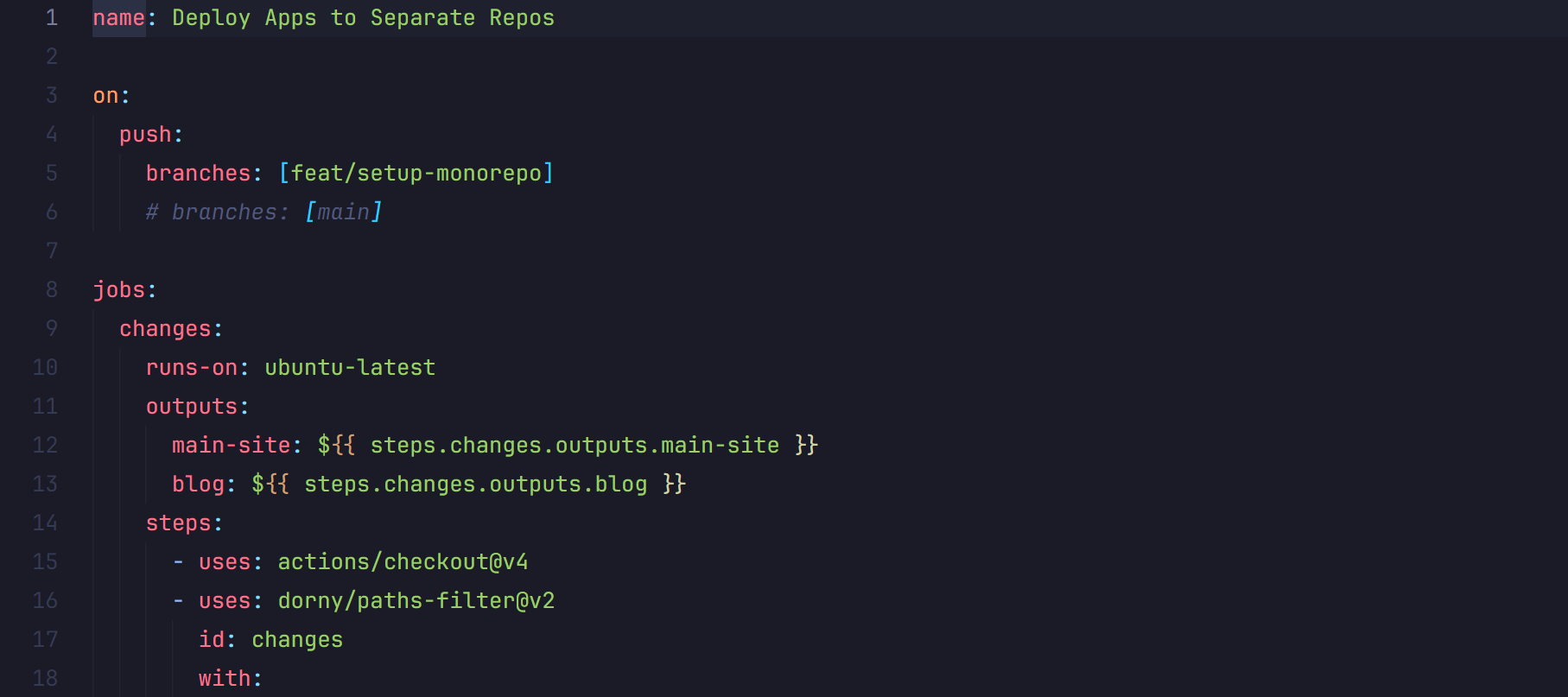
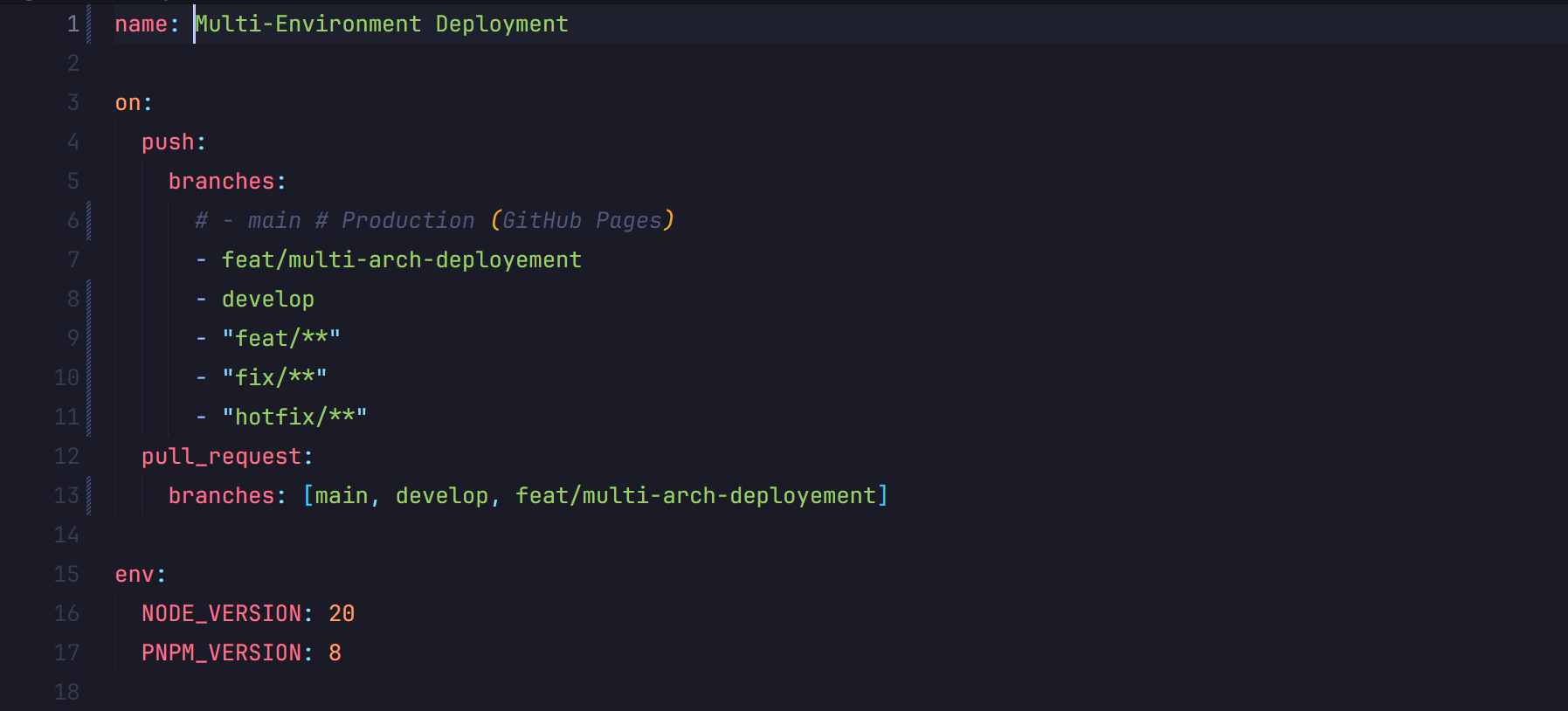
Full automation via GitHub Actions orchestrates the entire workflow: pushing a branch triggers a build and preview deployment, and merging to main deploys to production. Astro builds are optimized with Turbo, and pnpm ensures fast, reproducible installs.
This workflow lets me work on multiple features in parallel, each with its own isolated environment, validate on staging, and then deploy confidently to production.
Performance & SEO
SEO was a priority from the very beginning. Every page includes complete metadata, an automatically generated XML sitemap, and an optimized robots.txt file.
The HTML structure is semantic and accessible, with proper tags for easier indexing. URLs are clean and descriptive, and the site automatically generates Open Graph tags for optimal social sharing.